
GSC Crawl Stats Downloader
Download, visualise, and schedule Google Search Console crawl statistics — all in your browser, no backend required.
Download, visualise, and schedule Google Search Console crawl statistics — all in your browser, no backend required.
Built as a Chrome extension — no server, no API key, no data leaves your browser.
Fetches all crawl stat categories in one go: response codes, file types, Googlebot type, and more.
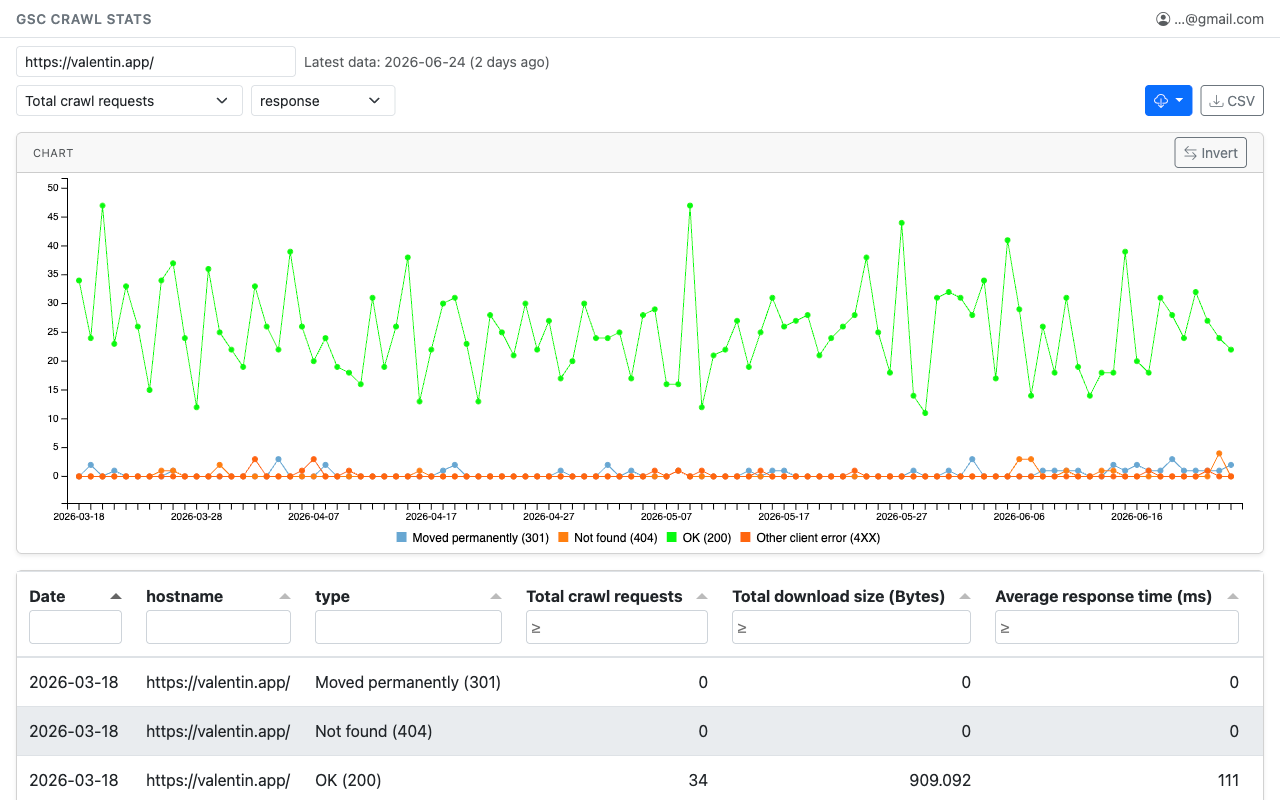
Line chart with instant legend toggle and an Invert button to flip your series selection — no lag even with many categories.
Per-column header filters, numeric ≥ filters, sortable columns, pagination, and one-click CSV export.
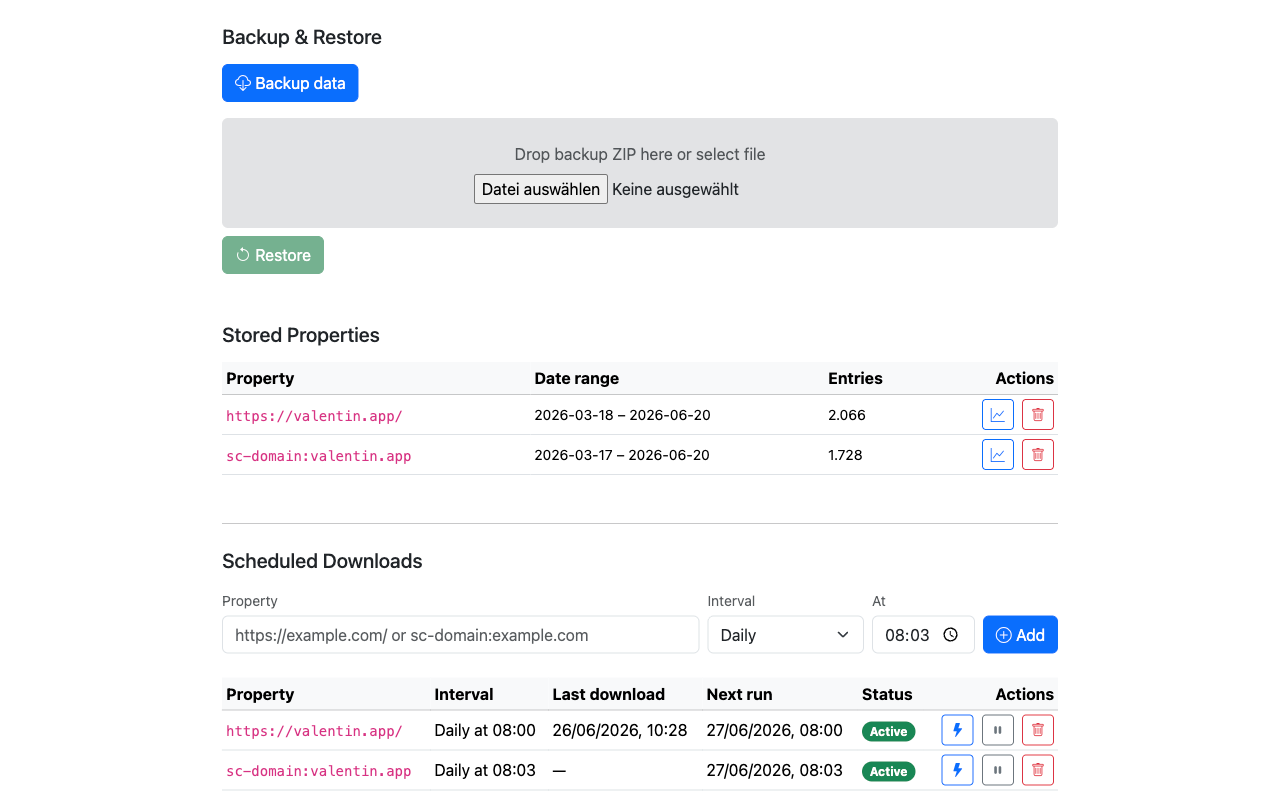
Set hourly, daily, or weekly jobs via Chrome alarms — runs in the background even without an open tab.
Browse every property with local data: see date ranges, open in the chart view, or delete individual datasets — from the Options page.
Export all data as a timestamped ZIP. Preview the property count before writing, then restore with a single click.
A clean, card-based UI with live progress — straight in your browser, no setup required.
Interactive chart and filterable table with all crawl categories for any GSC property.
Manage scheduled jobs, browse stored properties, and handle backup/restore.
Install from the Chrome Web Store or load from source in minutes.
Download the latest extension.zip from the Releases page.
Unzip it, then open chrome://extensions and enable Developer mode.
Click Load unpacked and select the unzipped folder.
Open Google Search Console in a tab, then click the extension icon.